Building for the GCC: Arabic, RTL and bilingual web apps
What it takes to build Arabic and English web apps for the GCC: right-to-left layout, typography, forms, data and testing with real Arabic readers.
A web app for Kuwait, Qatar, Saudi Arabia, the UAE or Bahrain almost always needs Arabic and English. Too often the Arabic side is treated as a translation job at the end of the project: the English version is finished, the text is sent to a translator, and a developer flips the page direction and hopes. Arabic readers notice within seconds, and they draw conclusions about the business behind the site.
Doing it properly is not difficult. It is a set of decisions that have to be made at the start, not the end.
Right to left is a layout, not a setting
Arabic is written from right to left, and the whole page follows. The menu starts on the right. The back arrow points the other way. Progress bars fill from the right. A sidebar that sits on the left in English sits on the right in Arabic.
The clean way to build this is to stop thinking in left and right at all. Modern CSS offers logical properties, where spacing and alignment are described as start and end. The same stylesheet then serves both directions, and the page turns itself around when the language changes. A team that writes two stylesheets, one per language, will spend the rest of the project fixing one and forgetting the other.
Not everything mirrors. These stay as they are:
- Phone numbers, card numbers and other digit sequences.
- Logos and brand marks.
- Media controls such as play and pause.
- Charts with a time axis, in most cases, although this is worth testing with your users.
- Latin words and product names inside Arabic sentences.
Mixed text is where most bugs live. An Arabic sentence with an English brand name, a price and a punctuation mark can display in an order nobody intended. Developers need to know how to isolate direction for those fragments, and testers need to look for it.
Typography needs its own decisions
Arabic letters connect, carry marks above and below, and need more vertical room than Latin letters. A line height that looks tidy in English will crowd Arabic. Arabic text at the same point size often reads smaller, so it usually needs to be set slightly larger.
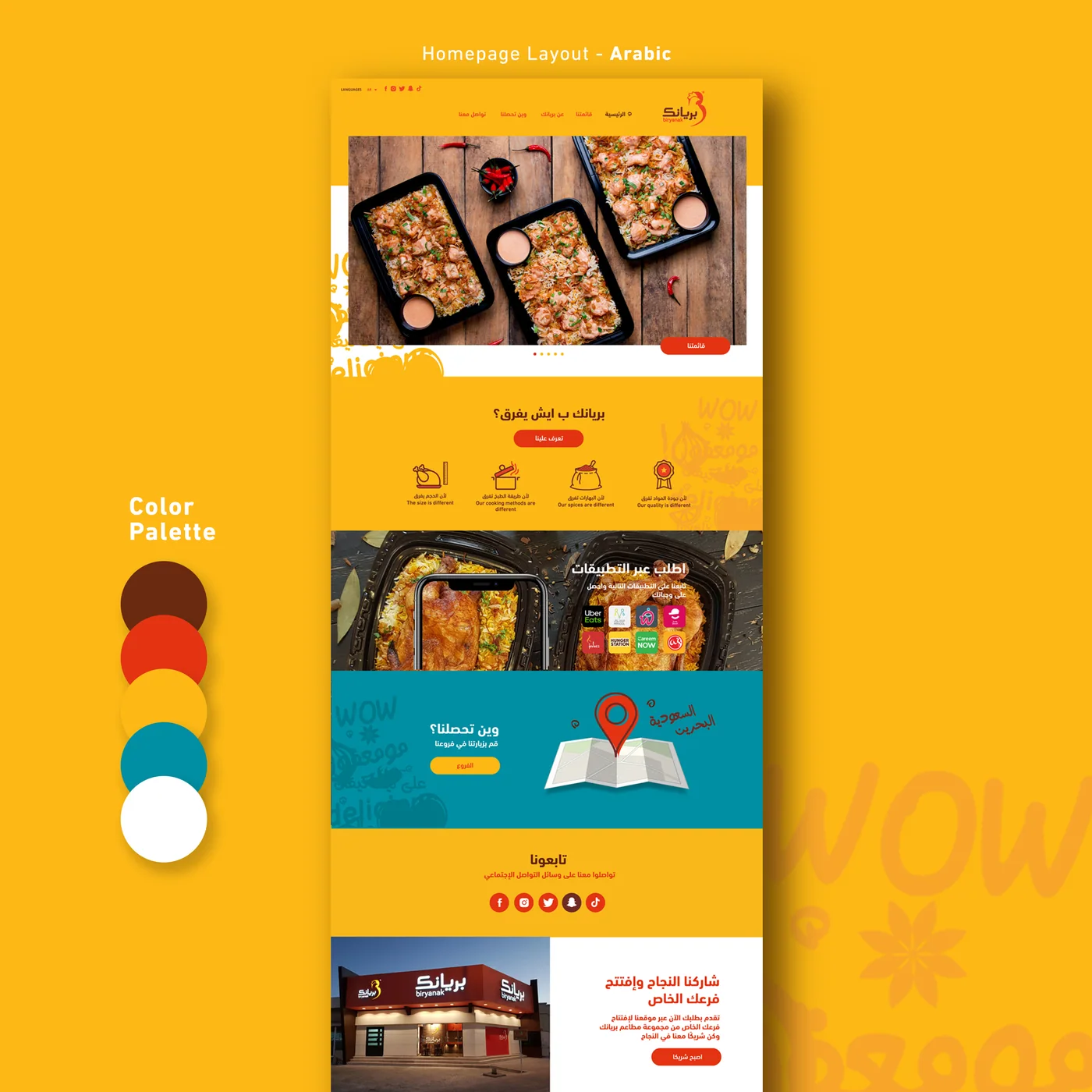
Choose an Arabic typeface on purpose, with your brand designer, and check that it has the weights you need. Never add letter spacing to Arabic, because it breaks the connections between letters. Avoid all capitals as a design device, since Arabic has no capitals and the Arabic page will lose that emphasis. Bold and colour travel better between the two scripts.
Forms, names, numbers and dates
Forms are where a bilingual app earns trust or loses it. Things to settle early:
- Names. Many people in the Gulf have names with several parts, and many systems need the name in both Arabic and English. Do not force a first name and last name structure that does not fit.
- Numerals. Decide whether the Arabic interface shows Western digits or Arabic-Indic digits, and accept both as input.
- Dates. Some sectors use the Hijri calendar alongside the Gregorian one. Ask your client which appears on official documents.
- Currency. Several Gulf currencies use three decimal places. Hard-coding two will produce wrong totals.
- Phone numbers and addresses. Country codes differ, and address formats in the Gulf do not match European or American forms.
- Weekends and working hours. Booking and delivery logic should not assume a Saturday and Sunday weekend.
Content and data come in two languages
Every piece of content the business enters needs a place for both languages: product names, descriptions, categories, notifications, emails, text messages and PDF invoices. The back office must make it easy to see what is missing in one language. Search must work in Arabic, including common spelling variations of the same word.
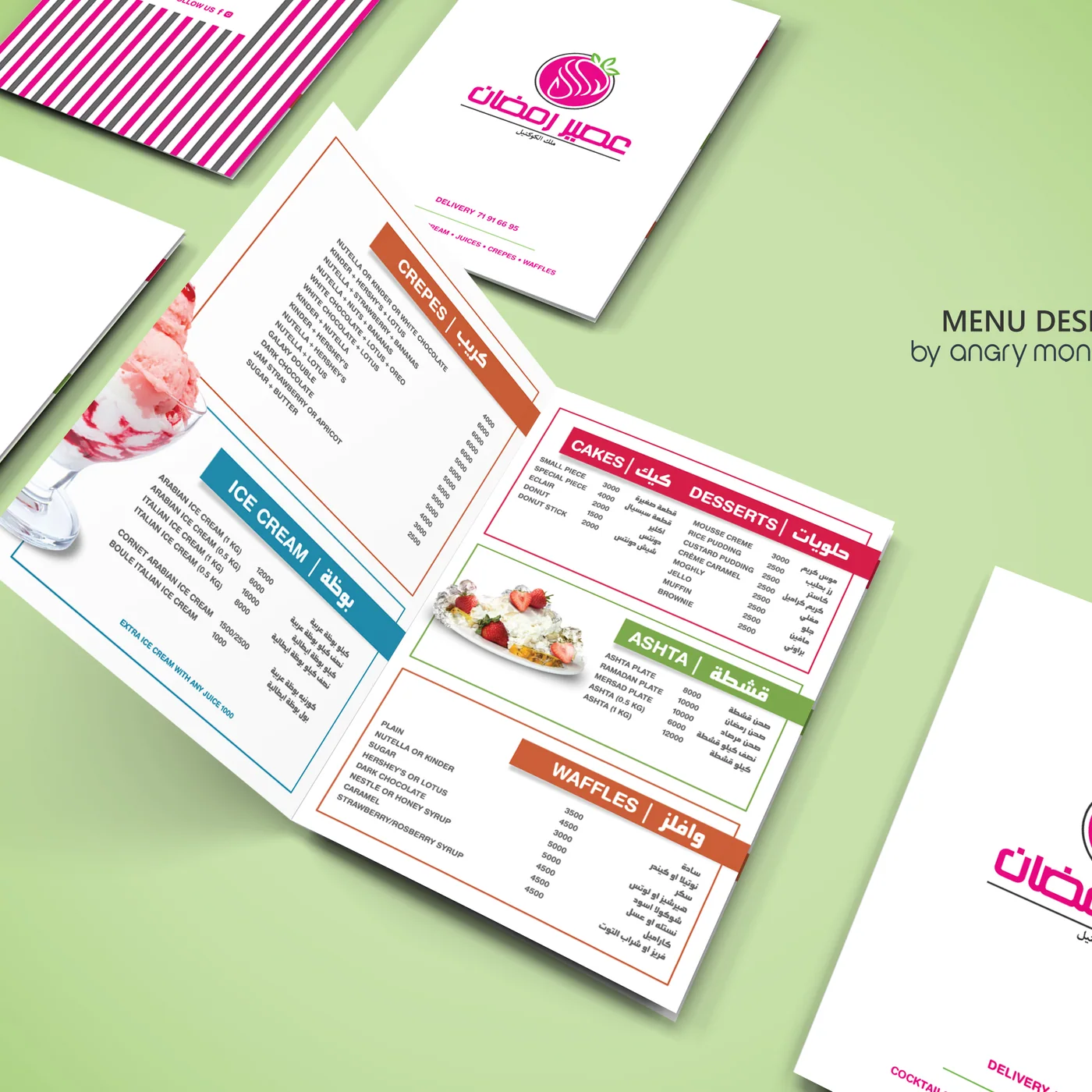
Decide what happens when a translation is missing. Showing English inside an Arabic page is sometimes acceptable for a product code, and never acceptable for a legal notice. Write Arabic content as Arabic, by an Arabic writer. Word-for-word translation of English marketing copy reads as foreign.
Each language also deserves its own address, so that search engines can index both and people can share a link in the language they are reading.
Test with people who read Arabic
Automated tests will not tell you that a sentence sounds wrong or that an icon points the wrong way. Have a native Arabic reader go through every screen, on a phone, since much of the Gulf audience browses on mobile. Test the emails and the printed documents too. They are usually forgotten.
How Angry Monkey Agency can help
Angry Monkey Agency builds bilingual Arabic and English platforms for clients across the GCC, from our office in Lebanon. We plan both directions from the first screen and build them from one codebase. If you have an English system that needs a proper Arabic side, or a new platform to plan, we can help.
The localisation and geography libraries we use are free for every .NET developer at Angry Monkey Cloud. The same team has worked on campaigns and digital work for brands such as stc, American Express, Burger King and Nissan. Read how we work in software development, look at the work or start a project.